Practical systems work for established businesses with messy workflows.
OfficeWeave helps established businesses reduce manual office work by reviewing the current process closely, then removing unnecessary steps with custom integrations, automation, internal tools, secure AI workflows, and business-specific LLM implementation where it actually fits.
How OfficeWeave Works
We redesign workflows at the step level.
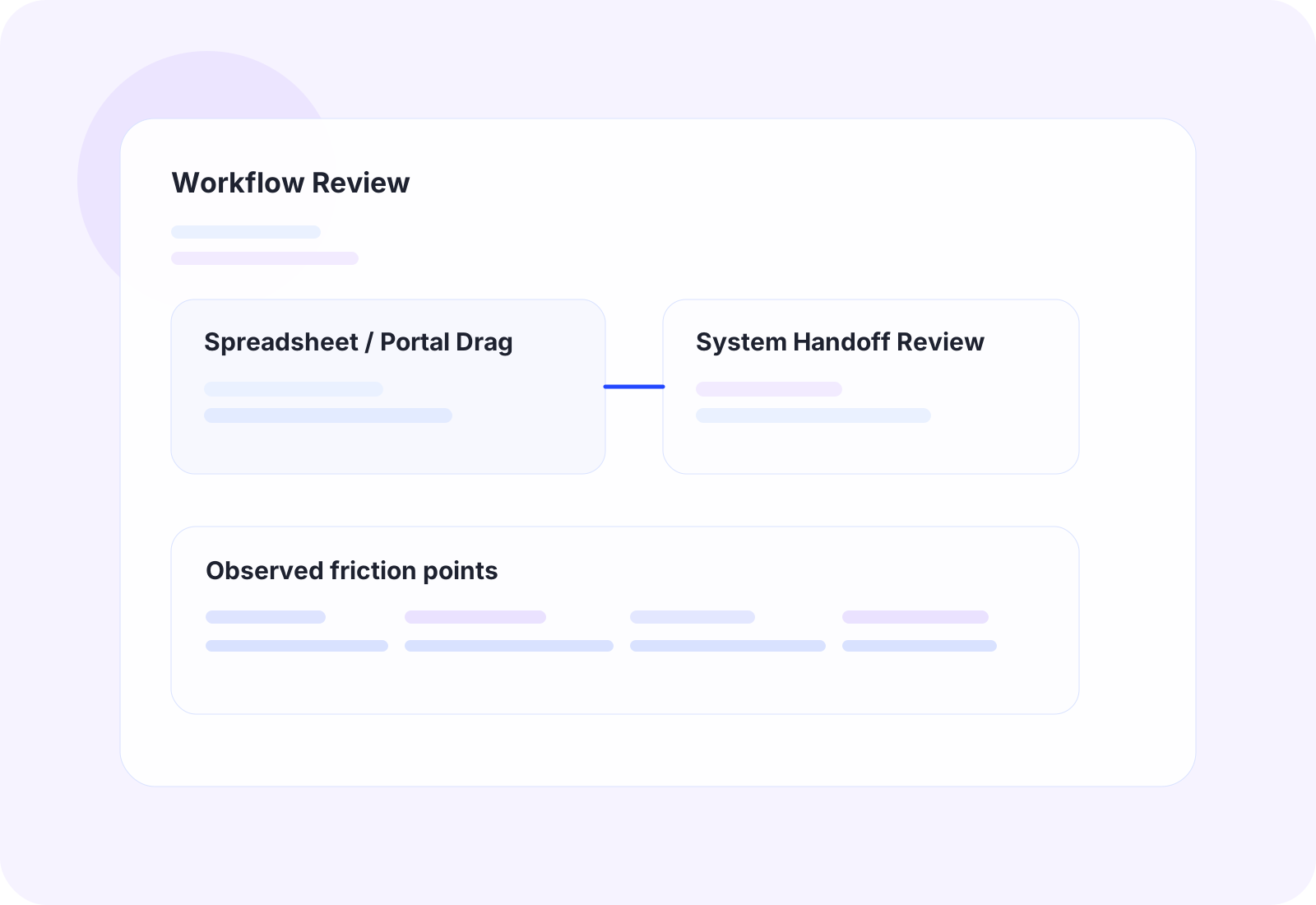
Observe the current process closely
We look at the actual office workflow in detail: what people click, where they copy and paste, which apps they use, and where the work stalls.
Use the right implementation path
That may mean APIs, AWS or Azure services, Supabase-backed workflows, UiPath, OCR, custom bots, scrapers, or focused internal software.
Reduce steps without adding clutter
The goal is not to give a team more software to learn. The goal is to reduce the number of steps required to complete important office work.
Detailed service pages for the systems work clients buy most often.
Each page goes deeper into the kinds of operational problems we solve, what gets built, and where the service fits best.
Software Integration Services
Custom Integrations
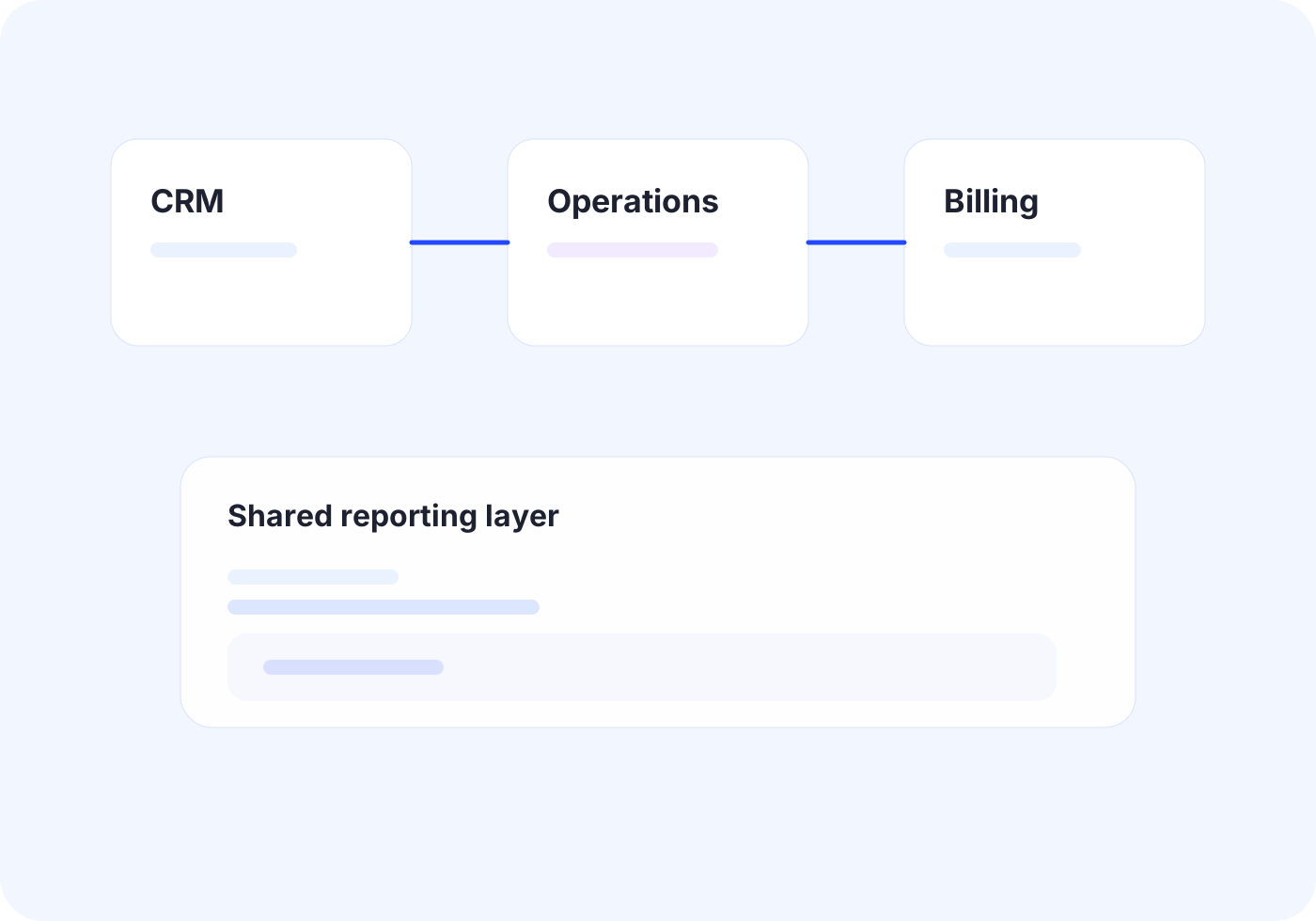
Connect core systems so records, documents, and status updates move once instead of being rebuilt by different teams.
Outcome
Create one reliable flow across disconnected tools.
Workflow Automation Services
Business Automation
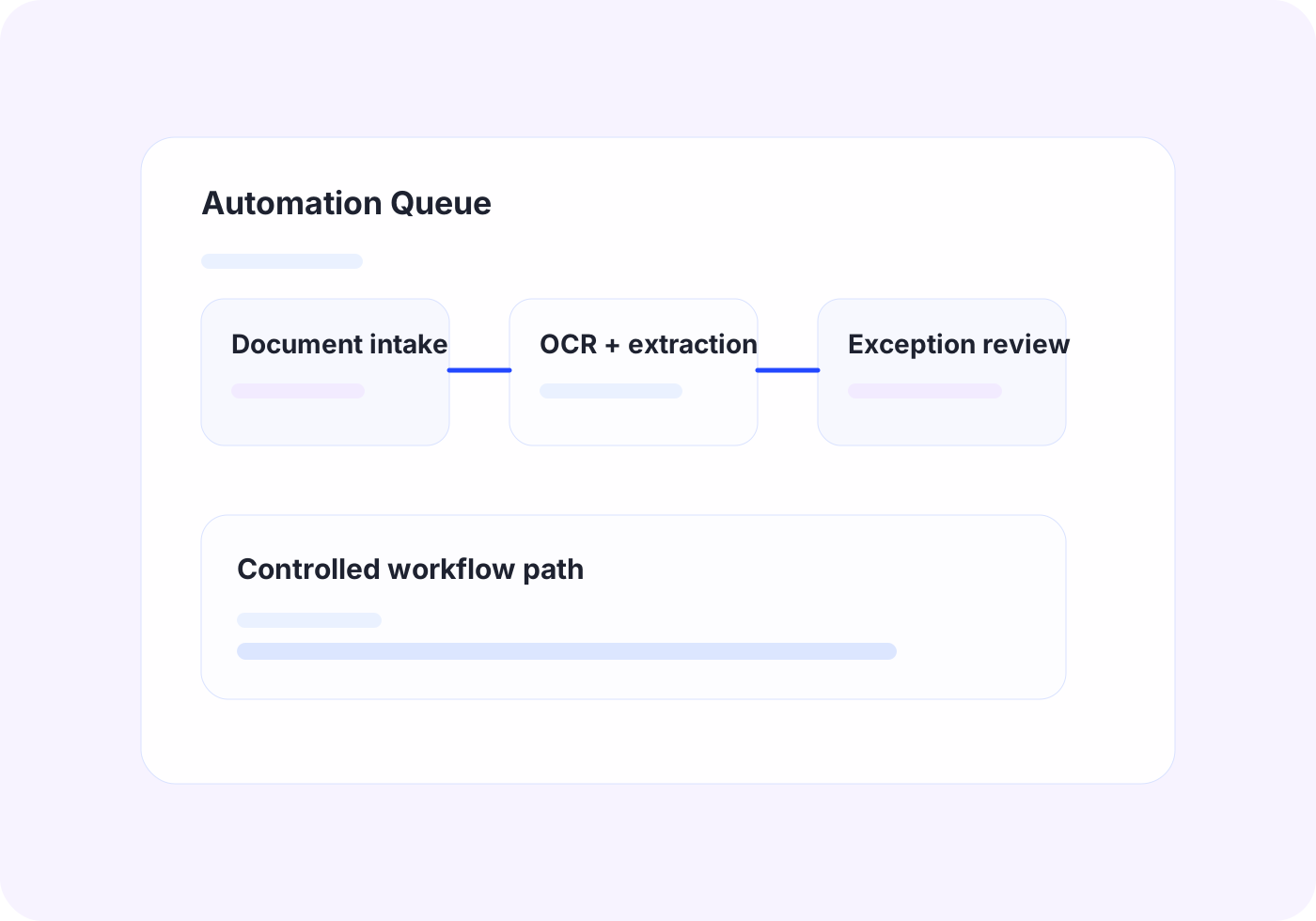
Automate repetitive office work with scripting, bots, UI automation, and OCR when APIs are not enough.
Outcome
Turn repeated admin work into consistent automated steps.
Operational AI and ML Systems
AI and Machine Learning
Turn messy operational data into usable classification, routing, prioritization, and decision support instead of forcing staff to sort it by hand.
Outcome
Help teams act on operational data faster and with more confidence.
Secure LLM Implementation
Custom LLM Development
Deploy controlled LLM workflows for retrieval, drafting, extraction, and document-heavy process work with tighter security and review boundaries.
Outcome
Adopt current AI capabilities without exposing sensitive information.
Internal Tools and Workflow Apps
Application Development
Build focused dashboards, workflow apps, browser extensions, and utilities that remove steps from the job instead of adding software overhead.
Outcome
Give teams useful internal tools without bloated software overhead.
Practical LLM Strategy
LLM Consulting for SMBs
Decide where GPT-style tools fit, where they do not, and what a safe implementation path looks like before larger build work starts.
Outcome
Find the highest-value AI use cases before spending on build work.
Engagement Model
Most projects begin with paid discovery so OfficeWeave can map the current workflow in detail, identify where work is being slowed down, and recommend the cleanest implementation path.
Starting engagement
$2,500
Discovery is credited toward implementation when the project moves forward.
Start a Strategy Call