For Established Service Businesses With Workflow Complexity
Fix the manual work slowing down your business.
OfficeWeave untangles duplicate entry, stalled handoffs, and spreadsheet-heavy reporting with custom automations, internal tools, integrations, and secure AI workflows — built around the way your team already works.
Paid discovery starts at $2,500 — a workflow map, prioritized opportunities, and an implementation plan. If OfficeWeave builds the project, that fee is credited toward the work.
Serving businesses across the United States, with primary client work in Georgia, Tennessee, and Kentucky.
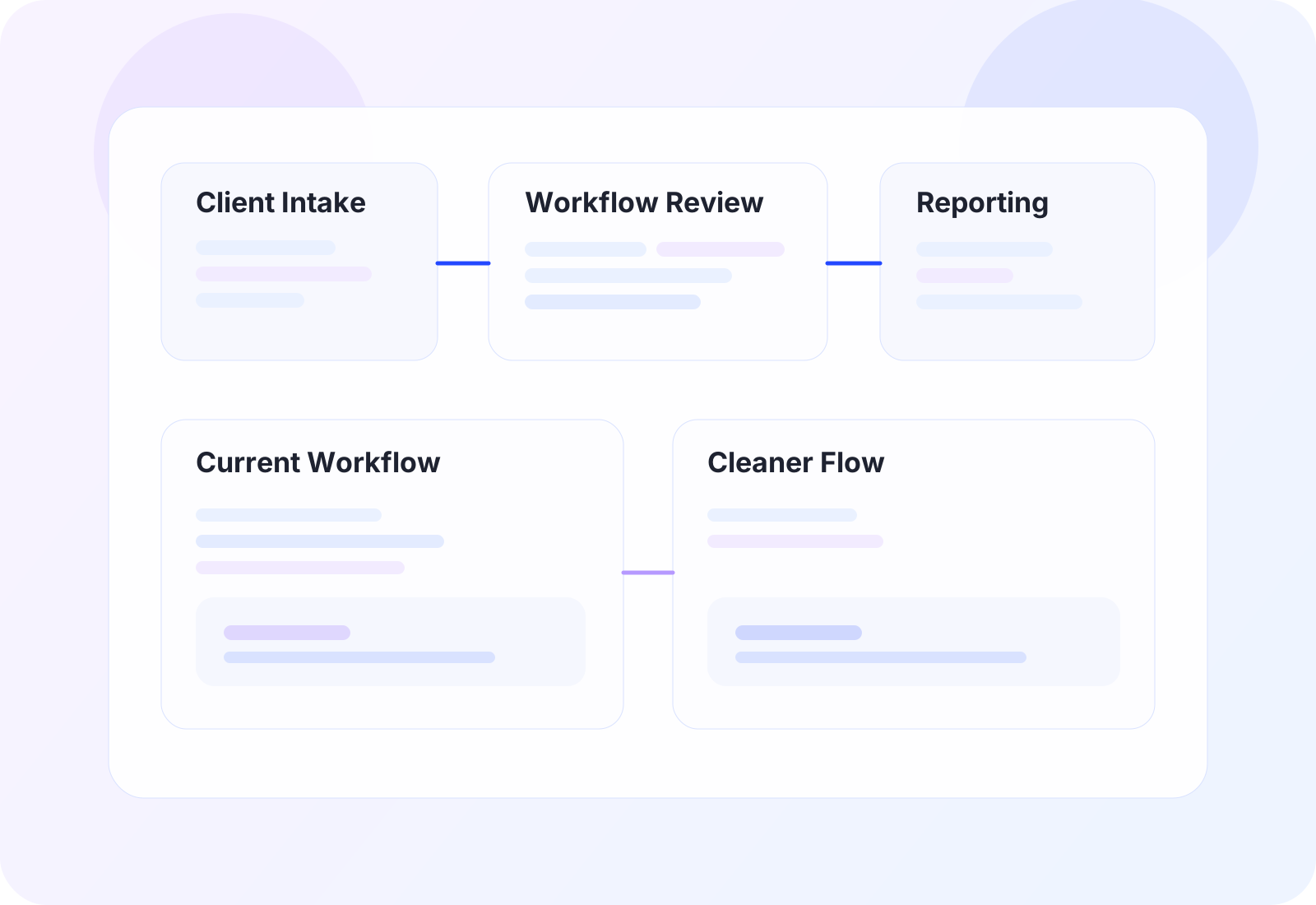
Current state
Re-entry, spreadsheet cleanup, and reporting lag across multiple tools.
Better state
One cleaner operational flow inside the tools the team already uses.
Your team is carrying too much process overhead just to keep work moving.
OfficeWeave is a strong fit for established service businesses where important work gets stuck between inboxes, spreadsheets, portals, and systems that do not line up cleanly.
Duplicate entry
Experienced employees are doing duplicate entry to keep the workflow from breaking.
Reporting drag
Reporting depends on exports, spreadsheet cleanup, or manual reconciliation.
Stalled handoffs
Important handoffs stall between teams, systems, or outside portals.
Targeted systems work
You need targeted systems work, not a full software replacement.
Best suited for businesses that have outgrown workarounds, brittle handoffs, and disconnected tools.
Anonymized case studies built around real workflow problems.
These examples are intentionally anonymized, but the operational pattern, implementation approach, and business result are real. They show the kinds of workflow problems OfficeWeave is hired to solve when the admin burden is no longer manageable by workarounds alone.
Explore all case studiesBefore / After
6 steps removedCurrent state
9
manual steps
After rework
3
cleaner steps
Established regional service business
Client onboarding handoff without duplicate entry
Problem
A growing service business needed to stop rebuilding the same client information across sales, operations, and billing just to keep onboarding from breaking.
Operational result
New-client handoffs became cleaner, faster, and less dependent on duplicate entry.
6 fewer hand-built steps
Read case studyBefore / After
6 steps removedCurrent state
10
manual steps
After rework
4
cleaner steps
Document-heavy operations team
Document intake automation for a portal-heavy workflow
Problem
A document-heavy team was spending too much time reading files, extracting values, and repeating the same portal updates record by record.
Operational result
The team handled more document-driven work with less manual reading, copying, and portal repetition.
6 fewer hand-built steps
Read case studyBefore / After
4 steps removedCurrent state
7
manual steps
After rework
3
cleaner steps
Knowledge-heavy operations team
Secure internal knowledge access without casual AI exposure
Problem
A growing team wanted AI support for internal process work but needed a safer alternative to fragmented, ungoverned public-tool usage.
Operational result
The business gained controlled AI support for internal process work without normalizing risky ad hoc usage.
4 fewer hand-built steps
Read case studyWhere OfficeWeave is strongest.
Most buyers come to OfficeWeave with one of a few recurring problems: repetitive office work that should be automated, disconnected software that should exchange data cleanly, spreadsheet-heavy workflows that need better internal tools, or secure AI use cases that need tighter controls than a casual public-tool workflow can provide.
Automation consulting
Reduce repetitive office work that should not still depend on manual clicks, copy-paste, and operator memory.
Custom integrations
Connect disconnected software so records, documents, and status updates move cleanly instead of being rebuilt by hand.
Internal tools
Replace spreadsheet-heavy workflows with focused internal tools that fit the job instead of adding more software overhead.
Secure AI workflows
Implement secure AI workflows and custom LLM use cases with tighter controls than a casual public-tool workflow can provide.
Service pages for the workflow problems we solve most often
OfficeWeave is usually hired when the workflow itself is the problem: too many steps, too many handoffs, too much manual reconciliation, and too much dependency on spreadsheets, portals, and disconnected software.
Explore all service pages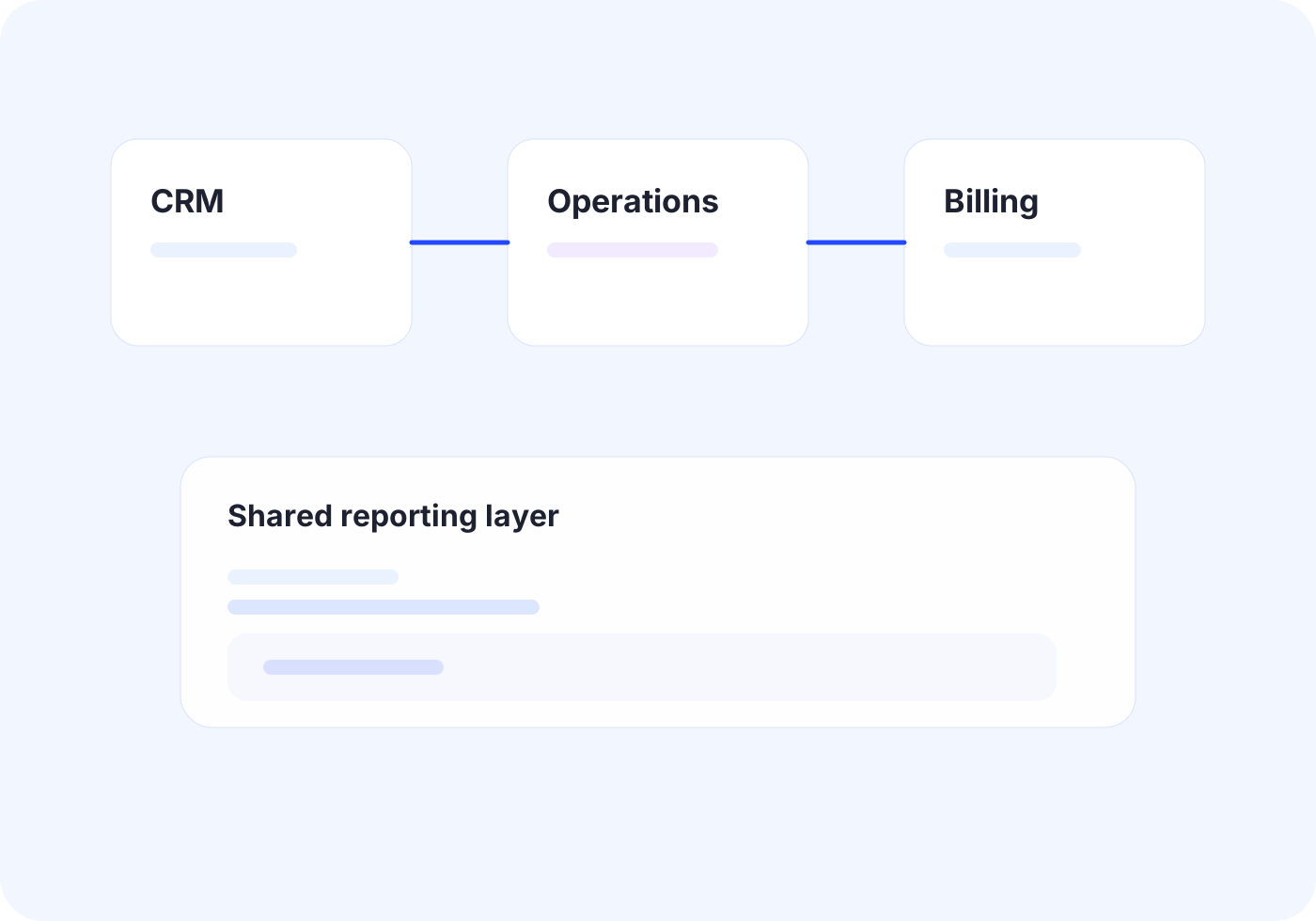
Software Integration Services
Custom Integrations
Connect core systems so records, documents, and status updates move once instead of being rebuilt by different teams.
Outcome
Create one reliable flow across disconnected tools.
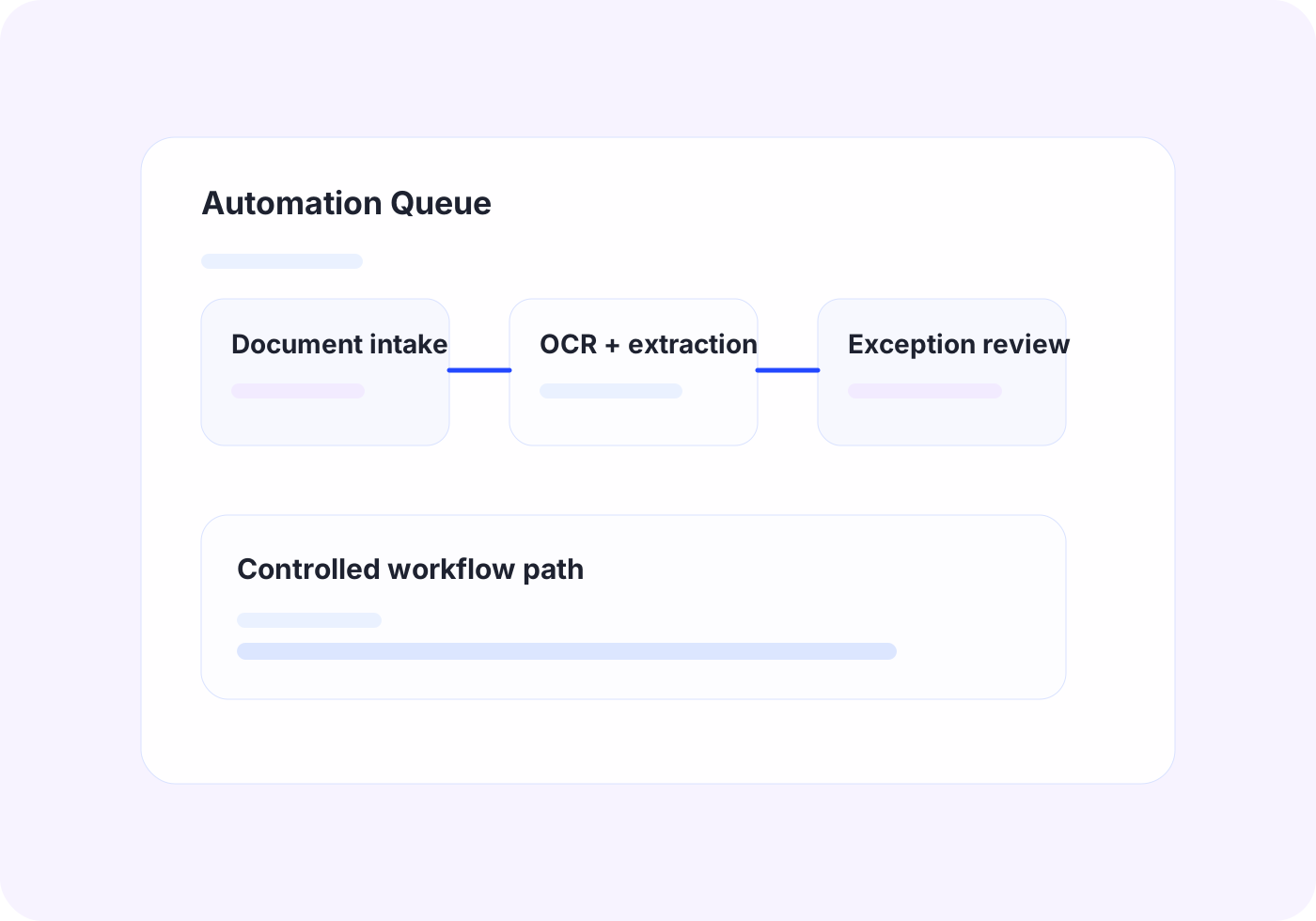
Workflow Automation Services
Business Automation
Automate repetitive office work with scripting, bots, UI automation, and OCR when APIs are not enough.
Outcome
Turn repeated admin work into consistent automated steps.
Robotic Process Automation Services
RPA Services
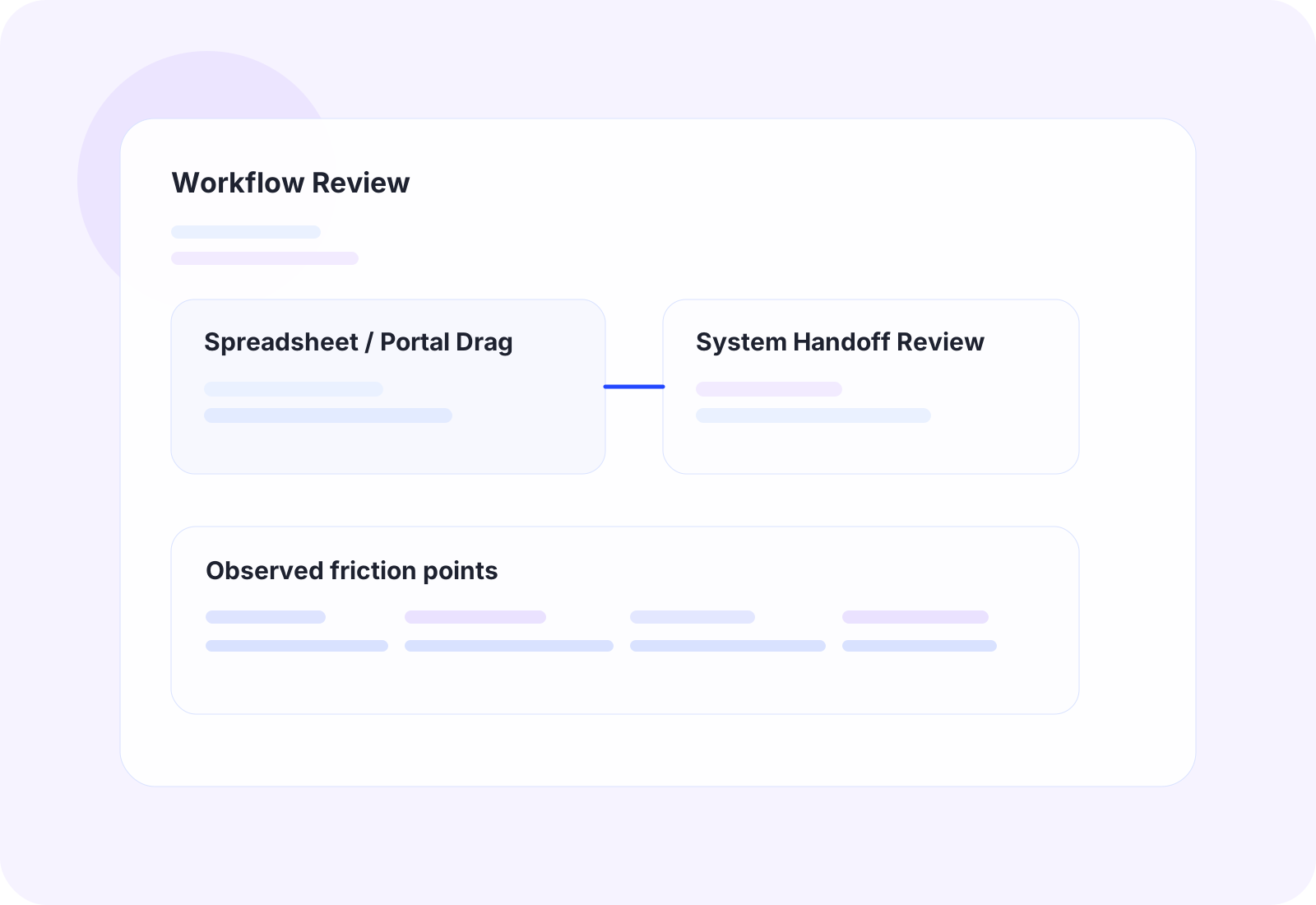
Software robots that take over repetitive, rules-based office work — portal updates, data entry, and document processing — with human review where it matters.
Outcome
Handle more volume without adding repetitive manual work.
Operational AI and ML Systems
AI and Machine Learning
Turn messy operational data into usable classification, routing, prioritization, and decision support instead of forcing staff to sort it by hand.
Outcome
Help teams act on operational data faster and with more confidence.
Secure LLM Implementation
Custom LLM Development
Deploy controlled LLM workflows for retrieval, drafting, extraction, and document-heavy process work with tighter security and review boundaries.
Outcome
Adopt current AI capabilities without exposing sensitive information.
Internal Tools and Workflow Apps
Application Development
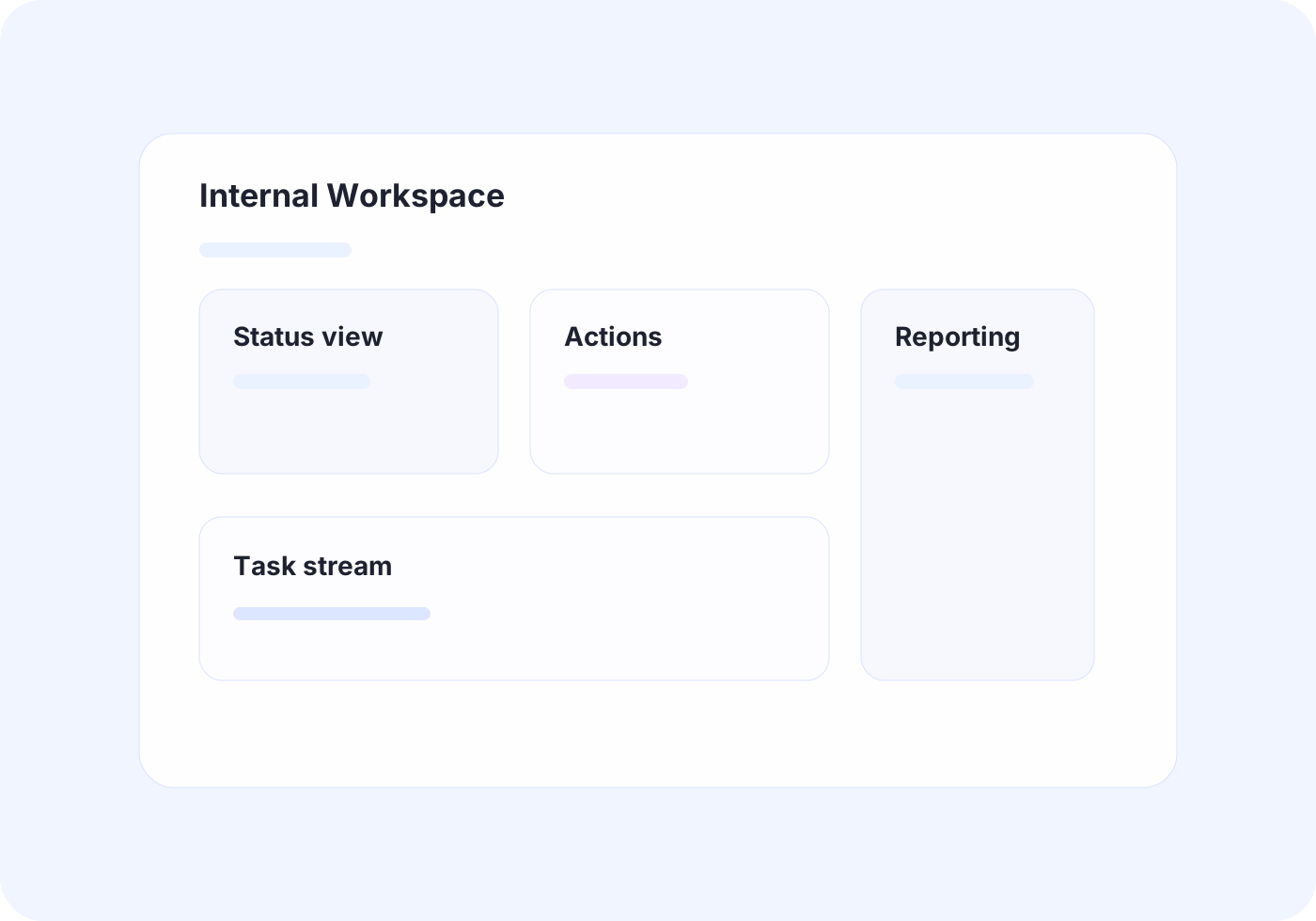
Build focused dashboards, workflow apps, browser extensions, and utilities that remove steps from the job instead of adding software overhead.
Outcome
Give teams useful internal tools without bloated software overhead.
Practical LLM Strategy
LLM Consulting for SMBs
Decide where GPT-style tools fit, where they do not, and what a safe implementation path looks like before larger build work starts.
Outcome
Find the highest-value AI use cases before spending on build work.
Fit
Best for established service teams where experienced employees are holding messy workflows together with memory, manual effort, and workarounds.
Delivery
OfficeWeave starts with the real process, then recommends the cleanest implementation path instead of forcing a preferred platform.
Security
AI and automation recommendations are built around confidentiality, controlled workflows, and practical governance, not AI hype.
What should improve after the work is in place.
Less duplicate entry and fewer manual handoffs between systems and teams
Faster throughput without adding administrative headcount for the same workload
Cleaner reporting and less spreadsheet reconciliation
More usable internal tools without forcing broad retraining
Safer adoption of AI where the workflow supports it
OfficeWeave is not the right fit for every project.
The best work happens when there is already real operational complexity to solve and the business wants serious implementation, not surface-level experimentation.
A practical process for untangling messy workflows.
Step
Paid Discovery
OfficeWeave reviews the workflow at the step level: what people click, where data is copied, where handoffs stall, and which systems are involved.
Step
Solution Blueprint
You get a practical implementation plan that shows what to automate, what to integrate, what to leave alone, and what should come first.
Step
Build and Deploy
OfficeWeave implements the agreed solution and tests it against the real workflow, not a theoretical version of it.
Step
Refine and Scale
Once the first workflow is working cleanly, the process can be tightened, extended, and reused in adjacent areas of the business.
Paid discovery is the first working engagement.
The $2,500 discovery engagement is not a generic introductory call. It is a focused review of your workflow, systems, bottlenecks, and implementation options so you leave with a clearer plan, whether the next step is automation, integration, internal tooling, secure AI work, or a decision not to build yet.
Starting engagement
$2,500
Workflow review
Document the process in enough detail to identify where time, effort, and accuracy are being lost.
Implementation blueprint
See what should be automated, integrated, rebuilt, or left alone based on practical business value.
Decision-ready next steps
Leave with concrete priorities and a credible implementation path instead of a vague recommendation.
Questions buyers usually ask before they reach out.
Do we have to replace the software we already use?
Usually no. OfficeWeave is designed to work with the systems you already rely on, then reduce the manual steps, handoffs, and duplicate work between them.
Will our team need to learn a completely new process?
The goal is the opposite. We shape tools and automations around the way your team already works so adoption is easier and retraining is limited.
Can OfficeWeave work with older, awkward, or legacy systems?
Yes. Many engagements start because a business has legacy systems, portals, or software that do not talk to each other cleanly. That is a normal part of the work.
How do you handle confidential information in AI projects?
Security is part of the design. OfficeWeave recommends architectures and deployment patterns that let teams use modern AI capabilities without casually exposing sensitive operational data.
Tell us where the workflow is breaking down.
If your team is carrying duplicate entry, spreadsheet workarounds, reporting delays, portal-heavy admin work, or disconnected systems, OfficeWeave can help identify which workflow and systems changes are actually worth making.
Review
Every inquiry is reviewed against the actual workflow problem, not routed into a generic intake queue.
Focus
Paid discovery starts with the process that is creating the most drag and maps what should happen next.
Response
Share the systems involved, the handoffs breaking down, and where the team is spending too many steps.
Book a consultation
Share the process problem, the systems involved, and where work is getting stuck. OfficeWeave will review the submission before the call.